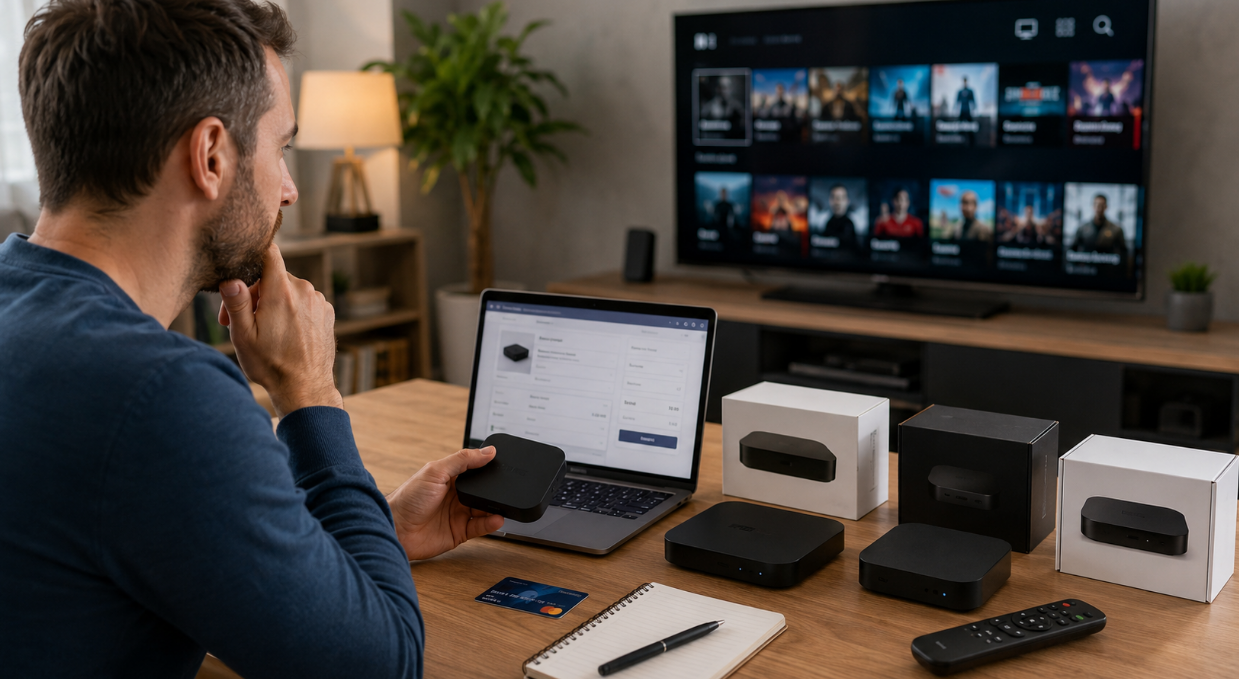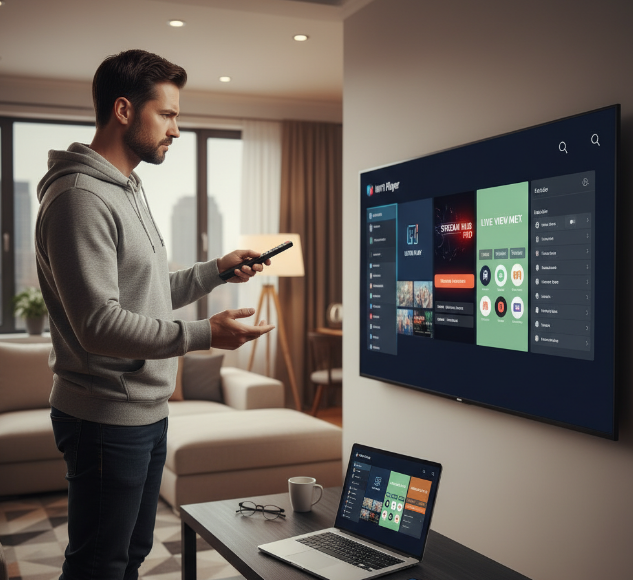
Finding the best player iptv can feel like standing in front of a supermarket shelf packed with lookalikes.Every option claims smooth playback and handy features, but once you start using them, the cracks show fast: lag, clunky menus, weak app support, or setup that turns into a real headache.
That is the main pain point. Most readers are not chasing fancy extras. They want a player that runs well, feels easy to use, and works on the devices already sitting at home, from Smart TVs to phones and laptops.
On paper, many IPTV players seem cut from the same cloth. In real life, that is where the rubber meets the road. One works great for live channels, another falls apart during longer viewing sessions, and some lock useful tools behind a paywall.
“Stability matters more than feature overload,” as IPTV product teams often point out.
This guide cuts through the noise and focuses on what really matters: performance, compatibility, ease of use, and value for money. That way, readers can skip the trial-and-error circus and get to a choice that actually fits.
Best for ease and comfort
TiviMate
Best for beginners
IPTV Smarters Pro
Best free-style utility pick
VLC Media Player
Best for custom lovers
Kodi
Best for heavy control fans
OTT Navigator
Welcher player iptv ist wirklich der beste?
Picking the best player comes down to one simple thing: what runs smoothly on your screen without turning setup into a pain.
For most people in Germany, the “best” option is not the one with the longest feature list. It is the one that loads a M3U-Playlist without drama, shows a clean EPG, works on Fire TV Stick or Android TV, and does not make live TV feel like hard work. In plain terms: less fiddling, more watching.
TiviMate feels polished and is a favourite for Android TV users.
IPTV Smarters Pro is easy to get into and suits households that want a familiar app layout.
VLC Media Player is the no-nonsense choice for people who just want playback to work.
Kodi is strong for tinkerers who enjoy custom setups.
GSE Smart IPTV is handy for multi-device users.
OTT Navigator is packed with controls for people who like to tweak things.
Perfect Player still appeals to users who prefer a lightweight, old-school feel.
A simple way to judge them is this:
Ease of setup
Can you add an M3U-Playlist and EPG in a few minutes, or does it turn into a proper faff?Daily comfort
Menus matter more than people think. A player can have all the bells and whistles, but if channel switching is clunky, it gets old fast.Device fit
Some apps shine on Android TV and Fire TV Stick, while others feel better on desktop with VLC Media Player or Kodi.Stability under pressure
Live sports, long playlists, and busy evenings show what a player is really made of.Control level
Some users want “plug it in and go.” Others want sorting, filtering, custom groups, and advanced player behaviour.
A StarIptv playback engineer puts it like this:
“The best player is the one viewers stop noticing after ten minutes.”
That says a lot. If the app fades into the background, it is doing its job.
| Player | Best for | Strong point | Watch out for |
|---|---|---|---|
| TiviMate | Android TV, Fire TV Stick | Clean layout, strong EPG handling | Best experience often comes with premium features |
| IPTV Smarters Pro | Beginners, family use | Easy onboarding, familiar interface | Can feel less flexible for power users |
| VLC Media Player | PC and quick testing | Fast, reliable, no fuss | Limited IPTV-focused comfort tools |
| Kodi | Advanced users | Deep custom control | Setup can be a bit of a headache |
| OTT Navigator | Users who like tuning settings | Detailed playback control | Not everyone likes the busy interface |
So, who wins?
Best for ease and comfort: TiviMate
Best for beginners: IPTV Smarters Pro
Best free-style utility pick: VLC Media Player
Best for custom lovers: Kodi
Best for heavy control fans: OTT Navigator
The honest answer is not one-size-fits-all. If you want a smooth living-room setup on Android TV or Fire TV Stick, TiviMate is often the safest bet. If you want something simple and familiar, IPTV Smarters Pro makes life easier. If you just need a solid tool on desktop, VLC Media Player still punches above its weight.
That is the real test: not hype, not flashy menus, just the player that fits your routine and does not muck about when you want to watch TV.
player iptv vergleichen: Funktionen, Stabilität und Bedienung
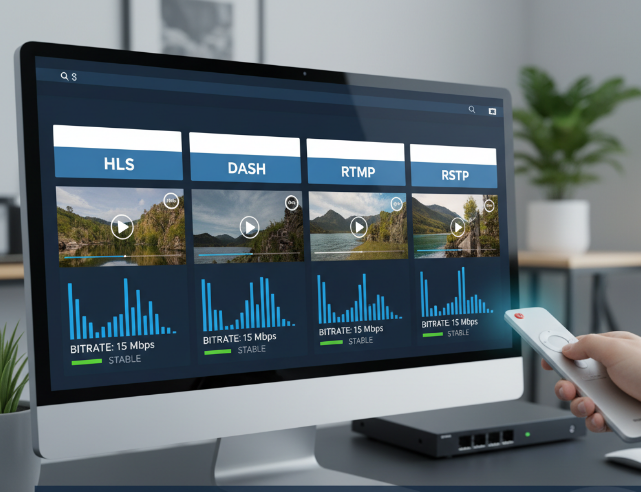
Core playback: HLS, DASH, RTMP, RTSP
A solid player handles Streaming-Protokolle without making a fuss.
HLS is great for smooth Live-Streaming on many devices.
DASH often gives better control over Bitrate shifts.
RTMP is older but still pops up in some workflows.
RTSP suits direct streams with lower Latenzzeit.
Good apps also manage Videocodec, Datenübertragung, and Containerformat cleanly, so playback feels steady instead of patchy.
Playlist support: M3U, M3U8, XMLTV, EPG
This is where a player either saves time or becomes a pain in the neck.
M3U and M3U8 should allow easy Playlist-Import from a URL-Quelle.
XMLTV and EPG matter for Programminformationen and a tidy Programmzeitschrift.
Nice extras include Senderlogos, a clean Kanalliste, and a usable Favoritenliste.
If importing feels clunky, the whole app starts on the wrong foot.
Stability factors: Buffering, Latency, Jitter, Packet Loss
A player can look smart and still fall apart when the stream gets rough. Short check:
Buffering hits when Bandbreite drops or the Zwischenspeicher is poorly managed.
High Latency and a bad Ping-Wert make channel switching feel slow.
Jitter hurts Netzwerkstabilität.
Packet Loss causes Bildaussetzer and Datenverlust.
In plain terms: good players hide network hiccups better and keep Verbindungsqualität more stable.
Usability basics: Subtitles, Aspect Ratio, Multi-screen, Remote Control
Daily use tells the real story. A decent Benutzeroberfläche should feel simple, not like hard work. Untertitel need fast controls, Bildformat should switch without stretching faces, and Mehrfachbildschirm support is handy for sports or multitasking. Fernbedienung support matters on TV setups, while smooth Navigation boosts Benutzerfreundlichkeit. If a player also includes Kindersicherung, that is a nice bonus for family homes.
Zu viele Optionen? So finden Sie den passenden IPTV-Player
For simple setup: M3U playlists and EPG import
A good start is dead simple: can the Player Importieren a URL fast and turn it into a clean Kanalliste?
Add the Link
Load the Senderliste
Sync XMLTV for EPG
Check Konfiguration
If this takes ages, skip it. A solid app should make M3U setup feel like plug-and-play, not like wrestling with menus on a Sunday evening.
For live TV fans: UDP, Multicast, IGMP, Unicast
Live TV fans need a Player that handles the Datenstrom without choking. Key things to watch:
UDP keeps speed high
Multicast helps in the right Netzwerk
IGMP matters on the Router or Switch
Unicast is easier, but can raise Latenz
If your stream stutters during sports or news, poor Übertragung or Paketverlust is often the real culprit, not the app alone.
For smoother playback: Bandwidth, Bitrate, Throughput
Smooth playback is not magic. It usually comes down to three things:
Bandwidth must match the stream’s Auflösung
Bitrate affects Datenrate and Kompression
Throughput shapes real-world Stabilität
Low Internetgeschwindigkeit or weak WLAN can trigger Pufferung and ugly Ladezeit spikes. If a player handles bitrate swings well, the picture stays watchable instead of turning into a pixel soup.
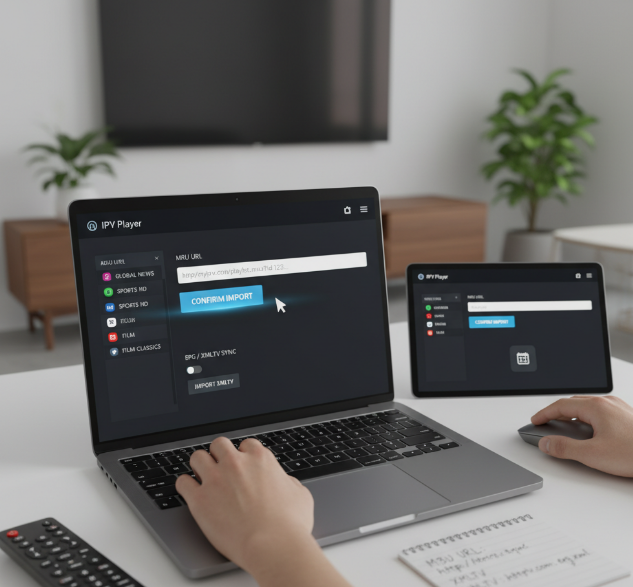
For home devices: Smart TV, HDMI, Ethernet, Processor
Your device setup can make or break the experience.
On a Fernseher, app support and Betriebssystem matter
A Set-Top-Box often gives more control
HDMI is basic, but Ethernet or a LAN-Kabel usually beats Wi-Fi
Weak Rechenleistung, low Arbeitsspeicher, or an old Grafikchip can cause lag
In plain terms: shiny software cannot save tired Hardware forever.
For safer access: Authentication, Token, Firewall, Proxy
Safety is easy to ignore until access breaks or data leaks. Look for:
Stable Login flow
Clean Authentication and Token handling
Support for Firewall, Proxy, or VPN setups
Clear Zugriffskontrolle and Datenschutz
If a Player keeps asking for credentials, mishandles a Passwort, or struggles with the Server, that is a red flag. Good Verschlüsselung should feel invisible, not messy.
Which IPTV player runs more stably with less buffering and fewer crashes?
Why buffering happens: CDN, latency, bitrate
Buffering usually starts when the Content Delivery Network is too far away, latency rises, or the bitrate is too high for your bandwidth. Add heavy server load or ISP throttling, and playback can go south fast. A small cache buffer may hide the issue for a moment, but not for long. In simple terms, buffering happens when the stream demands more data than the connection can deliver cleanly.
Jitter and packet loss during live streams
Live streaming hates unstable timing. The biggest troublemakers are:
Packet loss, which breaks stream continuity
Jitter buffer pressure during unstable delivery
poor network stability and high ping
RTP protocol issues during transport
transmission errors and delayed packets
When live channels freeze or go choppy while menus still work fine, this is often where the problem sits.
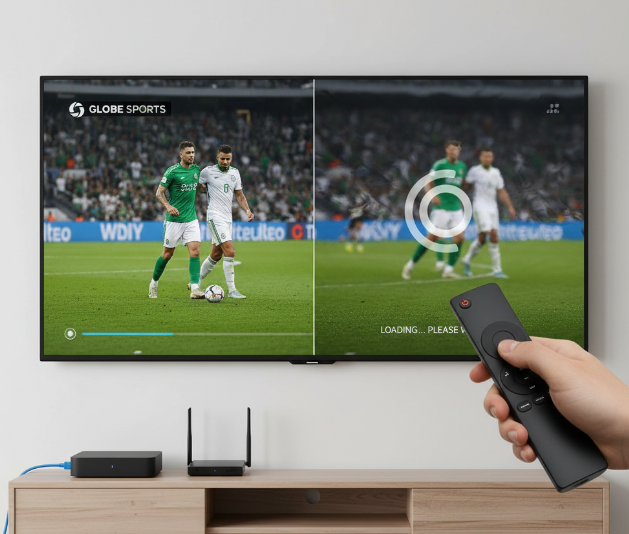
HLS, DASH and stream stability
Protocols matter more than many users think. HTTP Live Streaming and the DASH protocol rely on a manifest file, M3U8, and clean segmentation to keep video streaming steady when speed changes on the fly. That is where adaptive bitrate streaming really earns its stripes. As one StarIptv product manager put it, “Stability beats flashy peak quality every day.” A good player shifts quality smoothly instead of falling apart mid-stream.
Transcoding, decoder and processor load
Sometimes the network is fine, but the device is working overtime. Common weak spots include:
poor hardware acceleration
heavy video encoding tasks
high CPU load
weak GPU rendering
limited codec support for H.264 or HEVC
If the decoder cannot keep up, or the box lacks enough processing power, the result is usually dropped frames, laggy navigation, and random crashes.
Ethernet over Wi-Fi for reliable playback
For IPTV, wired often wins. LAN cable connections avoid many Wi-Fi interference issues, weak signal strength, crowded radio bands, and messy router configuration. Gigabit Ethernet gives better stability and lower delay, especially for high-bitrate live channels. If streaming works near the router but falls apart across the room, that is a strong clue. In many homes, switching from Wi-Fi to Ethernet is the quickest fix and the biggest game-changer.
Welcher IPTV-Player passt zu Smart TV, PC und Handy?
Smart TV apps, Set-top box and HDMI support
For living-room use, support matters more than flashy promises. A player that runs well on Samsung Tizen, LG webOS, and Android TV saves a lot of hassle. If your TV app is weak, a Fire TV Stick, Apple TV, or Set-Top-Box can do the heavy lifting. Check HDMI-CEC too. It sounds nerdy, but it lets one remote handle basic controls, which is a real lifesaver when your coffee table already looks like remote-control chaos.
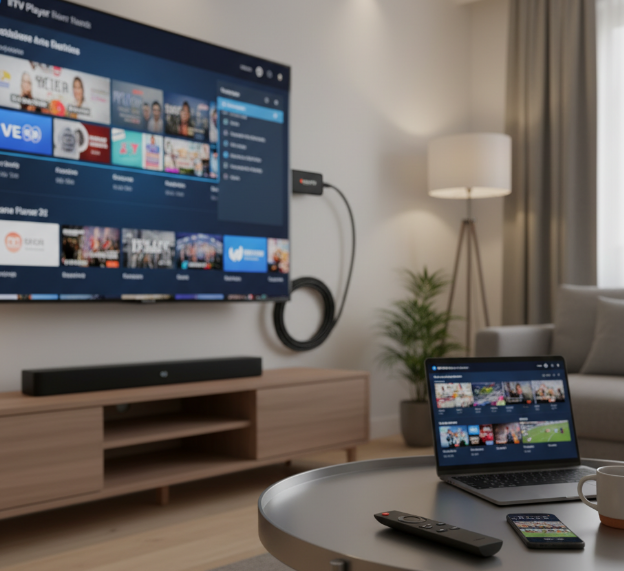
PC playback: Decoder, Encoder and Transport Stream handling
On PC, smooth playback often comes down to the engine under the hood.
VLC Media Player is still a safe bet for broad format support.
Hardware-Beschleunigung helps your system handle H.264, HEVC, and other Codecs without stuttering.
Good handling of Transport Stream and MPEG-TS matters for live channels.
If a player chokes on those basics, long viewing sessions turn into a pain, plain and simple.
Mobile use: Bandwidth, Catch-up and Time-shifting
Phone and tablet viewing is all about flexibility, but the network can make or break the ride.
On WLAN, most players feel fine.
On 5G, results depend on Datenverbrauch and stream quality.
Catch-up and Time-Shift are handy when real life gets in the way.
Too much Pufferung can burn patience fast.
A solid Mobile App should let you jump back, resume quickly, and avoid eating through your data plan like there is no tomorrow.
Remote Control, Multi-screen and cross-device comfort
Comfort is the little stuff you notice every day. A clean Benutzeroberfläche, a working Fernbedienung, and a tidy EPG make browsing far less annoying. Favoritenliste support is a must if you do not want to scroll forever. Multi-Screen helps in busy homes, while Synchronisation keeps viewing progress in step across devices. Add Chromecast, and it becomes easy to move from phone to TV without faffing about. As a StarIptv product manager put it, “Users stay loyal when basic control feels effortless.”
MAC Address Binding, DRM and device restrictions
This is where many users get caught off guard. Some services tie access to a MAC-Adresse, a Portal-URL, or a specific Geräteaktivierung flow. Others rely on DRM and Kopierschutz, which can limit playback on unsupported devices. With Stalker Middleware or Xtream Codes, setup may be quick, but restrictions vary a lot by provider. So before settling on a player, check the fine print. A great app is no good if your service locks it out at the front door.
Kostenlos vs. bezahlt: Lohnt sich ein premium player iptv?
Free tools: M3U, M3U8, JSON basics
VLC Media Player is great for quick tests with a Wiedergabeliste.
Kodi gives more room to tweak URL-Import and Stream-Link handling.
M3U, M3U8, and JSON are common Dateiformat choices for basic setup.
Best for trying streams fast
Often Open Source
Cheap, simple, but sometimes rough around the edges
Premium extras: Catch-up, Parental Control, Metadata
Free players do the job, but premium apps usually add the stuff people actually miss after a week. EPG makes browsing less messy. Zeitversetztes Fernsehen and Aufnahmefunktion help when life gets in the way. Kindersicherung matters in family homes. Film-Poster, IMDb-Bewertung, and clean Metadata make the whole app feel less like a garage project. Add Multi-Screen, and paid starts looking pretty handy.
Security layers: DRM, Encryption, Authentication
Here’s the straight story: premium players often handle protected streams better.
DRM support like Widevine and PlayReady can be a deal-breaker
Verschlüsselung and HTTPS help protect stream access
Safer handling of Login-Daten feels less dodgy
Kopierschutz support matters for licensed content
VPN-Kompatibilität can be useful, but it still depends on the provider
Middleware, Token support and advanced provider integration
Premium tools usually work better with Xtream Codes API and Stalker Portal.
Setup is smoother when Server-URL, API-Login, and Authentifizierungstoken are supported properly.
Some services also rely on MAC-Adresse checks or tighter Middleware-Anbindung.
Short version: free players are fine for basic playlists, but paid apps save time and hassle when provider integration gets picky. That is where the extra money can stop feeling annoying and start feeling worth it.
Conclusion
In the end, there is no magic winner that fits everyone. The best choice comes down to your daily habits: how you watch, which devices you use, and how much hassle you can tolerate. A good IPTV player should feel like a reliable car: start fast, run smoothly, and not leave you stranded with buffering or crashes when you just want to watch in peace.
If you only need basic streaming, a free player iptv can do the trick. If you want cleaner menus, better support, and fewer headaches, paying a bit more can be money well spent.
The smart move is to pick the player that matches real life, not shiny marketing talk. For Smart TV, PC, or mobile, stability, easy setup, and solid compatibility usually matter more than a long list of bells and whistles. That is the real deal.
References
[HTTP Live Streaming - https://developer.apple.com/streaming/]
[MPEG-DASH - https://www.mpeg.org/standards/MPEG-DASH/]
[DASH Industry Forum - https://dashif.org/]
[VLC media player - https://www.videolan.org/vlc/]
[Kodi Download - https://kodi.tv/download/]
[Kodi About - https://kodi.tv/about/]
[TiviMate IPTV Player - https://play.google.com/store/apps/details?id=ar.tvplayer.tv]
[Smarters Pro - https://apps.apple.com/us/app/smarters-pro/id6450746159]
[OTT Navigator - https://ott-nav.com/]
[GSE Smart IPTV Player Live TV - https://apps.apple.com/us/app/gse-smart-iptv-player-live-tv/id6444845680]
[Android TV - https://www.android.com/intl/en_uk/tv/]
[Build TV apps - https://developer.android.com/tv]
[Chromecast Help - https://support.google.com/chromecast/]
[Widevine - https://www.widevine.com/]
[Widevine DRM Overview - https://developers.google.com/widevine/drm/overview]
[Microsoft PlayReady - https://www.microsoft.com/playready/]
FAQ
Which player iptv is best for beginners?
VLC Media Player is a simple starting point. It handles M3U and M3U8 with little fuss. Kodi suits users who want more control over a Wiedergabeliste. For quick URL-Import, simple tools usually work best.
Does a free IPTV player support M3U and EPG well?
Many free apps support M3U, M3U8, and sometimes XMLTV for EPG. The weak spot is comfort: Metadata, layout, and playlist handling can feel rough.
Why does my player iptv keep buffering?
Buffering often comes from low Bandwidth. High Latency, Jitter, or Packet Loss can ruin live streams. A weak CDN or poor Bitrate also causes stutter. Ethernet is often steadier than Wi-Fi.
Is Kodi better than VLC Media Player for IPTV?
Kodi is better for tweaking, with stronger EPG and Metadata options. VLC Media Player is easier for quick M3U playback and fast Stream-Link testing.
What should I check before choosing a player iptv for Smart TV?
Look for good Smart TV and HDMI support. A smooth Remote Control experience matters. Multi-screen and Subtitles can make daily use easier. A decent Processor or Set-top box helps playback stay stable.
Do paid IPTV players really offer better value?
Paid apps often add Catch-up, Time-shifting, Kindersicherung, and cleaner Film-Poster or IMDb-Bewertung. For regular viewing, that extra comfort can be worth it.
How important is security in a player iptv?
It matters more than many people think. Good apps support DRM, Verschlüsselung, and Authentication. Widevine, PlayReady, and HTTPS are useful signs. Safe handling of Login-Daten is a big plus.
Can one IPTV player work well on PC, phone, and TV?
Yes, but comfort varies. Good cross-device apps handle Multi-screen, clean menus, and useful extras like EPG or Catch-up without feeling clumsy on mobile or TV.
Why do some providers need special player setup?
Some providers use Xtream Codes API or Stalker Portal. You may need a Server-URL, API-Login, or Authentifizierungstoken. Some also check the MAC-Adresse. Good Middleware-Anbindung makes setup less annoying.
What matters more: features or stability?
Stability usually wins. Fancy extras mean little if HLS, DASH, or RTSP streams freeze or crash. A steady app feels better in real life.