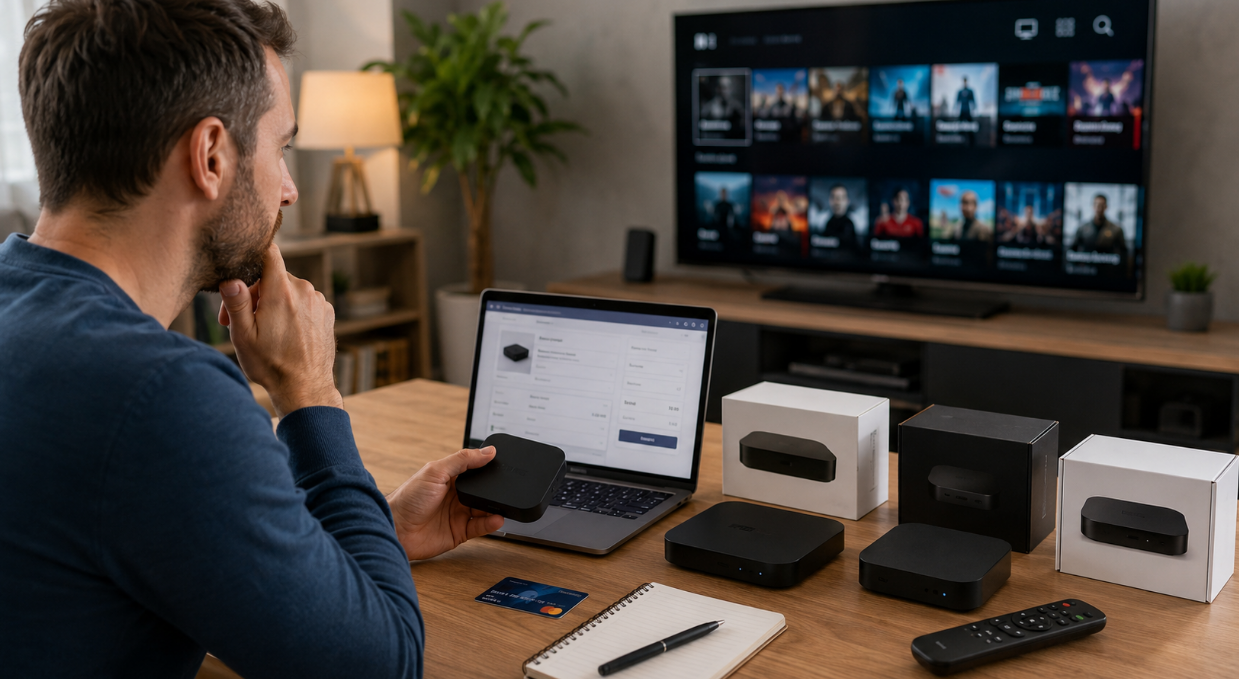
Your show cuts out right at the season finale. The screen freezes. The room goes quiet. That’s the exact moment iptv online recharge stops being a tech term and starts feeling personal. No one wants to wrestle with expired codes or shady resellers when all you want is the game, the movie, the movie, the vibe. In a world where groceries hit your door in an hour, waiting days to renew TV feels like dial-up in a 5G age.
“Customers expect instant activation and zero guesswork,” says a Startiptv operations manager in a 2025 service briefing, pointing to rising demand for direct online renewals.
This guide cuts through the clutter—how to recharge fast, stay secure, and keep your screen lit without the drama.
Melodic Quick Answers: IPTV Online Recharge
Device Match
Verify your MAC address and portal URL to ensure the recharge links to the right device. Cisco notes that MAC addresses are commonly used as unique identifiers for endpoints on a network. (cisco.com)
Plan Fit
Choose a plan based on channel lineup, VOD access, and subscription duration that matches your viewing habits.
Secure Payment
Use secure payment methods (credit card, PayPal, crypto) for fast activation and better transaction protection. Visa Secure is built on EMV 3-D Secure for online card authentication, and PayPal states eligible purchases may be covered by Purchase Protection. (usa.visa.com)
Refresh Access
After payment confirmation, reboot or refresh your IPTV box to sync updated subscription details and test multiple channels. Google’s Chromecast guidance recommends unplugging the streaming device from power for one minute to reboot it properly. (support.google.com)
Understanding IPTV Box Online Recharge
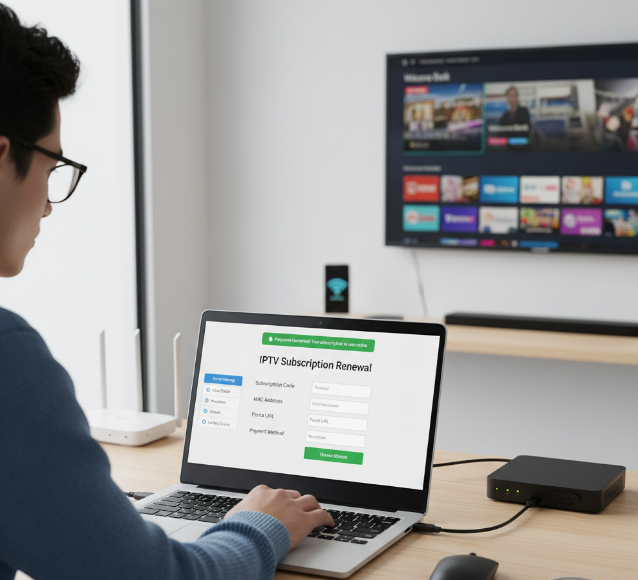
IPTV online sounds technical, but it’s really about keeping your shows running without stress. This guide breaks down how iptv online recharge works, what you need, and how services like Startiptv keep everything smooth.
What Is IPTV Online Recharge and Why You Need It
IPTV online recharge is simply a digital service renewal that keeps your IPTV subscription active. No cables changed. No new box. Just updated access through the provider’s system.
When using iptv online, the recharge process works like this:
Payment is made through online payment systems.
The provider updates your account activation status.
Your device regains content access almost instantly.
Why it matters for daily streaming:
Keeps continuous viewing without blackout screens
Prevents sudden expiration issues
Restores expired accounts in minutes
With Startiptv, the iptv online renewal connects directly to your registered device, so your streaming TV online setup keeps running without weird interruptions.
Key Components: Subscription Codes, MAC Address, Portal URL
To complete an iptv online recharge, three core identifiers link everything together:
subscription code – connects payment to your plan
MAC address – your box’s unique device identification
portal URL – the provider’s network configuration entry point
How they interact:
Device Layer
Your box broadcasts its MAC address
The system verifies authentication
Server Layer
The service provider checks the subscription code
Access rights are updated
Access Layer
The portal URL loads updated channel data
Without correct details, iptv online activation simply won’t sync. Cisco’s networking materials describe the MAC address as the unique Layer 2 identifier used to identify devices on a network. (community.cisco.com)
How IPTV Service Providers Keep Your Box Active
Behind every smooth iptv online stream is constant backend control.
Providers manage:
account status tracking
subscription validity timers
Real-time server synchronization
Operational flow:
Payment confirmed.
Middleware updates user management records.
Streaming servers refresh content delivery rights.
Device reconnects through stable network connectivity.
Access continues with high service uptime.
Startiptv maintains this cycle automatically, so your iptv online account stays aligned with its servers. That’s why live TV online works without random lockouts—your box and server stay in sync, quietly, all the time.
Preparation Before You Recharge
Before jumping back into iptv online, take a minute to prep things the right way. A smooth top-up saves time, avoids annoying activation delays, and keeps your online iptv streaming without drama.
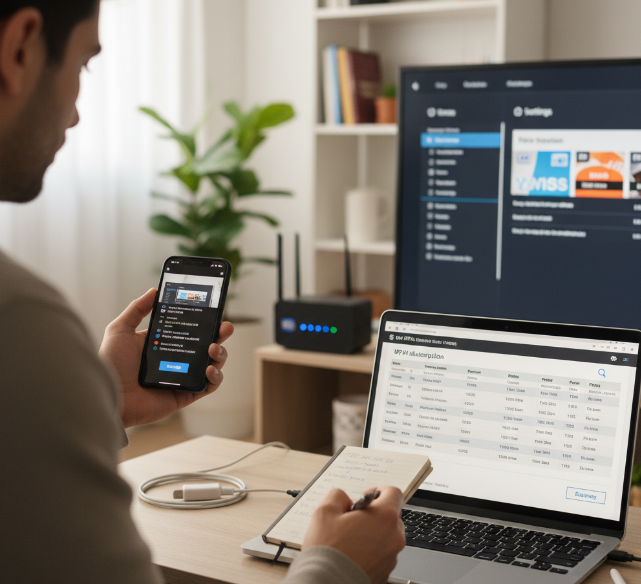
Verifying Your IPTV Box Details (MAC & Serial)
To keep your IPTV box synced with your iptv online account, accurate device info matters.
Device identification
Device label
System status page
Settings
About Device
Network Information
Check your MAC address in:
Confirm the Serial number from:
Account verification
Match the MAC address with your existing Subscription details
Double-check for typing errors before submitting
Keep a screenshot for backup
Quick reminders:
One wrong character can block activation
Correct details ensure your iptv service online assigns access instantly
This small check keeps your iptv online running clean without support tickets.
Choosing the Right IPTV Package for Your Needs
Picking an IPTV subscription isn’t just about price.
Package options
Monthly plans for flexibility
Quarterly plans for balance
Annual plans for better value
Features comparison
Review available Content channels
Explore VOD libraries
Confirm device limits
Match with your Viewing preferences
Sports heavy?
Family shows?
International content?
If you stream daily, longer Service duration saves money. Brands like Startiptv make comparing plans simple, so your iptv online experience fits your routine, not the other way around.
Ensuring Stable Internet for a Smooth Top-Up
A stable Internet connection keeps activation fast.
Network basics
Strong Wi-Fi signal
Updated router firmware
Solid Router performance
Bandwidth requirements
Minimum speed for HD
Higher Network speed for 4K
Low congestion during payment
Connection stability checklist
Restart modem if needed
Avoid public Wi-Fi for payments when possible
Stay near the router during recharge
Good Connection stability means your iptv online refresh happens almost instantly. Netflix recommends 3 Mbps for 720p HD, 5 Mbps for 1080p, and 15 Mbps for 4K UHD streaming, while the FTC advises taking extra care when entering personal information on public Wi-Fi. (help.netflix.com)
Top Platforms to Recharge Your IPTV Box
Keeping your iptv online service active shouldn’t feel like a chore. From official sites to quick app payments, there are plenty of ways to recharge and get back to streaming in minutes. If you use IPTV online daily, knowing where and how to top up saves time, cash, and stress.
Official IPTV Provider Portals vs. Authorized Resellers
When recharging iptv online, your main paths are clear, but each works differently.
Through an IPTV provider portal
Result: instant activation in most IPTV online cases.
Access the official website of your service provider
Log into account management
Select subscription renewal
Complete payment via supported gateway
Through an authorized reseller
Check provider listing
Confirm business contact details
Verify reseller status
Compare pricing
Request activation confirmation
Key differences:
IPTV provider portal → direct database access
Authorized reseller → sometimes cheaper, but verification matters
Support response time may vary
For stable iptv online access and fewer hiccups, many users stick to the official route. Brands like Startiptv simplify renewal directly inside your dashboard, reducing wait time.
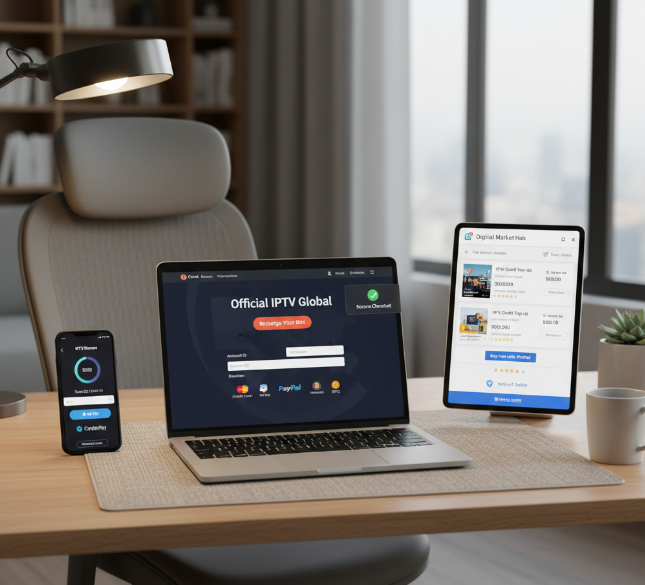
Mobile Apps That Make IPTV Top-Up a Breeze
Using a mobile application for IPTV top-up feels quick and casual, almost like ordering food.
A typical flow inside the app:
Open the app store version of your provider’s app
Sign in with saved details
Tap “Renew” under IPTV online
Choose convenient payment via digital wallet
Receive instant confirmation
Why users prefer apps for iptv online:
Clean user-friendly interface
Saved cards reduce typing
Push alerts for expiry reminders
For heavy iptv online users, app-based renewal cuts friction. Startiptv users often rely on in-app renewal since payment data and plan details are already synced.
24/7 Online Marketplaces for IPTV Credit
An online marketplace works differently from a provider site.
Structure of marketplace recharge:
Step A: Select IPTV credit
Step B: Choose plan duration
Step C: Complete secure transaction
Step D: Receive digital code
Step E: Apply code for instant recharge
Marketplace checkpoints:
Platform level
Verified seller badge
Clear refund rules
Payment level
Encrypted checkout
Transparent fees
Support level
24/7 customer support
If you stream iptv online late at night, marketplaces can be a lifesaver. Just confirm ratings before paying.
Comparing Recharge Speeds: PayPal, Credit Card, Crypto
Different payment method options affect recharge speed, transaction time, and cost. Below is a research-aligned comparison for IPTV online renewals:
| Payment Method | Typical User-Side Confirmation Pattern | Fee Pattern | Security / Protection Signal |
|---|---|---|---|
| Credit Card | Usually near-instant authorization | Varies by processor and provider | High (EMV 3-D Secure / Visa Secure where supported) |
| PayPal | Usually near-instant checkout confirmation | Varies by provider | High (encrypted payments; eligible Purchase Protection) |
| Crypto (USDT) | Depends on blockchain confirmations | Network-based | Blockchain-confirmed; timing varies by chain and platform |
| Bank Transfer | Usually the slowest option | Bank/provider dependent | Bank-grade controls, but settlement can take longer |
Quick breakdown:
Credit card → fast for most IPTV online users
PayPal → balanced speed and dispute protection
Crypto → more privacy, but confirmation depends on the blockchain and the platform’s required confirmations
Bank transfer → slower but steady
Visa says Visa Secure is its EMV 3-D Secure program for online authentication, PayPal says eligible purchases may qualify for Purchase Protection, and crypto platforms such as Nexo note that USDT top-ups can depend on blockchain confirmations rather than immediate processor approval. (usa.visa.com)
For smooth iptv online renewal, match your payment gateway to your urgency. If speed matters, card or PayPal usually wins. If privacy matters, crypto might suit you better.
Step-by-Step Guide to Recharge IPTV Online
Streaming fans using iptv online often just want a quick top-up without stress. This guide walks through how to manage IPTV online access, renew IPTV streaming online plans, and keep your online IPTV service active without messing up your account details.
Step 1: Login to Your IPTV Provider Dashboard
To manage iptv online, access your IPTV provider through the official website.
Account Access
Check subscription status
Confirm linked devices
username
password
Enter your login credentials
Open your account dashboard
Quick Tips
Save correct details
Avoid unofficial IPTV online portals
Many users prefer platforms like Startiptv because the dashboard for IPTV online is clean and easy to manage.
Step 2: Select Your Box by MAC Address
Inside your IPTV online account, head to account management.
Device Identification
Confirm screen prompt
Double-check device name
Match the MAC address carefully
Locate your registered device
Use select box option
Choosing the wrong box can delay IPTV online activation, so take a second look before confirming.
Step 3: Pick Your Subscription Plan
Within IPTV online settings:
Plan Selection
Auto-renew
Manual renew
Review plan duration
Check channel package
Compare subscription plan options
Explore renewal options
Click select plan
Make sure the IPTV online package fits your viewing habits. IPTV Paket pages make that comparison easier.
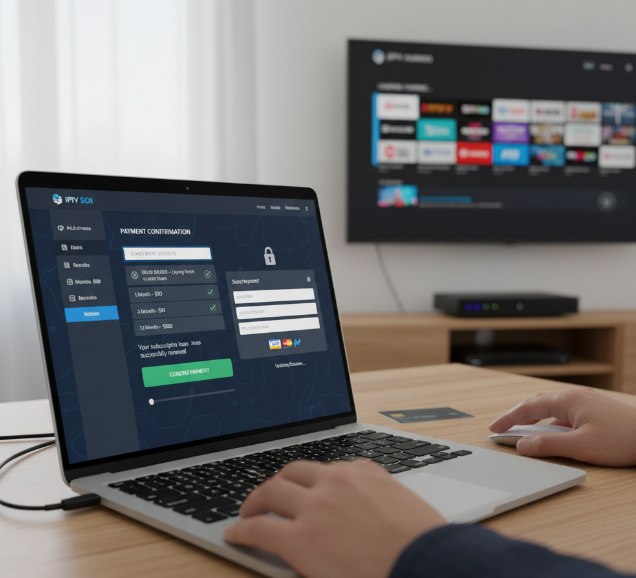
Step 4: Complete Payment via Secure Gateway
Proceed to payment inside the IPTV online portal.
Secure Checkout
credit card
debit card
other online payment options
Choose payment method
Confirm secure transaction via payment gateway
Wait for confirmation message
Never close the IPTV online page before payment confirmation appears. Visa states that 3D Secure adds a real-time identity check to online card payments, and PayPal says every payment is encrypted to help protect financial details. (corporate.visa.com)
Step 5: Confirm Top-Up and Test Your Channels
After payment, verify your IPTV online renewal.
Activation Check
Look for top-up confirmation
Confirm service activation
Review subscription status
Channel Testing
Open updated channel list
test channels across categories
Use basic troubleshooting if buffering appears
With everything confirmed, your iptv online access should run smoothly again.
Troubleshooting & FAQs
Why Isn’t My IPTV Box Showing New Expiry Date?
When your expiry date doesn’t refresh after a recharge, check these layers:
Account-Level Checks
Verify subscription status in your iptv online dashboard
Confirm correct MAC and account status
Ensure the renewal was applied to the right profile
Device-Level Checks
Network → confirm active connection
Portal → verify correct URL
Open IPTV box settings
Restart device to force server pull
Server Sync Delays
Some iptv streaming systems need a short sync window after payment
Heavy traffic on online iptv nights can slow updates
If it still lags, providers like Startiptv can manually refresh your profile fast.
Instant Fix: Resync Your Box After Recharge
Quick actions that usually solve it:
Power off your IPTV box for 60 seconds.
Reconnect Wi-Fi or Ethernet connection.
Re-enter portal URL for iptv online service.
Then:
Open settings
Refresh portal
Wait for activation notice
Recheck update under account info
Still stuck? Clear cache or factory reset only as a last move. Official streaming support pages from Google, Roku, and Disney+ all recommend rebooting the device and checking the connection when playback or sync issues appear. (support.google.com)
3 Common Payment Errors and How to Resolve Them
Payment problems with iptv online often fall into patterns:
Credit card decline
Bank transfer delay
Payment gateway timeout
Wrong billing information
Duplicate transaction
| Error Type | What Usually Happens | First Fix to Try | Practical Risk Level (1-5) |
|---|---|---|---|
| Card Decline | Issuer does not approve authorization | Recheck card details or try another card | 2 |
| Bank Delay | Transfer not posted yet | Wait for bank processing window and keep receipt | 3 |
| Gateway Timeout | Checkout session expires or stalls | Refresh securely and confirm whether payment posted | 2 |
| Billing Mismatch | Entered details do not match issuer records | Correct billing details and retry | 2 |
| Duplicate Charge | Multiple attempts were submitted | Stop retrying and verify posted transactions first | 1 |
Tips to avoid repeat payment errors:
Double-check billing information
Use stable internet for iptv online recharge
Keep proof of transaction
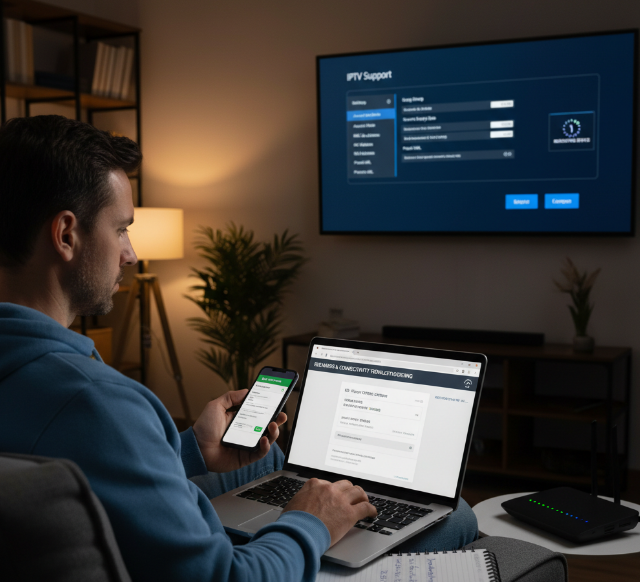
For smooth renewals and fewer headaches, many users stick with trusted platforms like Startiptv, keeping their iptv online access running without drama. Card networks and merchant-processing guidance both show that online payments rely on authorization, authentication, and issuer approval, which is why detail mismatches and repeated attempts are common failure points. (corporate.visa.com)
References
[Netflix-recommended internet speeds - https://help.netflix.com/en/node/306]
[PayPal Security | Protect Your Financial Data - https://www.paypal.com/us/digital-wallet/security-and-protection]
[PayPal Purchase Protection Program - https://www.paypal.com/us/legalhub/paypal/buyer-protection]
[Visa Secure - https://usa.visa.com/products/visa-secure.html]
[3D Secure: your guide to safer transactions | Visa - https://corporate.visa.com/en/solutions/visa-protect/insights/3d-secure.html]
[Cisco Layer 2 network overview / MAC address identification - https://community.cisco.com/t5/networking-knowledge-base/overview-of-layer-2-switched-networks-and-communication/ta-p/3128423]
[Cisco field notice on MAC address as endpoint identifier - https://www.cisco.com/c/en/us/support/docs/field-notices/706/fn70610.html]
[FTC public Wi-Fi security tips - https://www.ftc.gov/media/79888]
[Google Chromecast reboot instructions - https://support.google.com/chromecast/answer/7021381]
[Roku system restart help - https://support.roku.com/article/29562302017815]
[Disney+ streaming issues help - https://help.disneyplus.com/article/disneyplus-streaming-issues]
[Nexo crypto top-up confirmation times - https://support.nexo.com/article/processing-time-of-cryptocurrency-top-ups-blockchain-confirmations]
[OCC Merchant Processing Handbook - https://www.occ.treas.gov/publications-and-resources/publications/comptrollers-handbook/files/merchant-processing/pub-ch-merchant-processing.pdf]
FAQ
What is iptv online recharge and why does it matter?
Your iptv online recharge is the lifeline of your streaming access. When the expiry date hits, the screen goes silent. A quick renewal:
Extends your current IPTV box access
Keeps your MAC address active on the server
Prevents channel blackout
No new device. No technician. Just continuity—and relief.
How should I prepare for an iptv online renewal?
A few calm checks avoid frustrating delays:
Open device settings and confirm your MAC address
Verify your portal URL matches the provider
Ensure stable internet during payment
Choose the correct subscription plan
A small typo can send your payment into limbo. Accuracy keeps the process smooth.
Which payment methods activate iptv online faster?
Speed often depends on the method:
Card — Instant — Most common choice
PayPal — Instant — Quick confirmation
Crypto — Variable — Depends on blockchain confirmation
If urgency matters—live match, favorite show—cards or PayPal usually restore access within minutes.
Why isn’t my new expiry date showing after payment?
Tension rises when the screen still shows the old date. Usually, it’s minor:
Server update delay (a few minutes)
Incorrect MAC address submitted
Device needs a reboot
Restart the IPTV box. Let it reconnect to the provider’s middleware. Most issues resolve quietly after that reset.
How can I tell if an iptv online reseller is legitimate?
Trust protects your money and your account. Look for:
Verified reviews from real customers
Listing on the official provider website
Clear support contact and response time
Avoid “lifetime” promises with no policy. A reliable iptv online seller values long-term access, not quick sales.